Hosted User Authentication with Users.au
Give users a sign-in page with passwords, passkeys, email codes and social login. Configure the methods for your project and connect your app with OAuth 2.0 or OpenID Connect.
Give users a choicein how they sign in
Enable passwords or email verification codes, add passkeys and social sign-in, and set additional verification requirements for your project.
Explore sign-in settings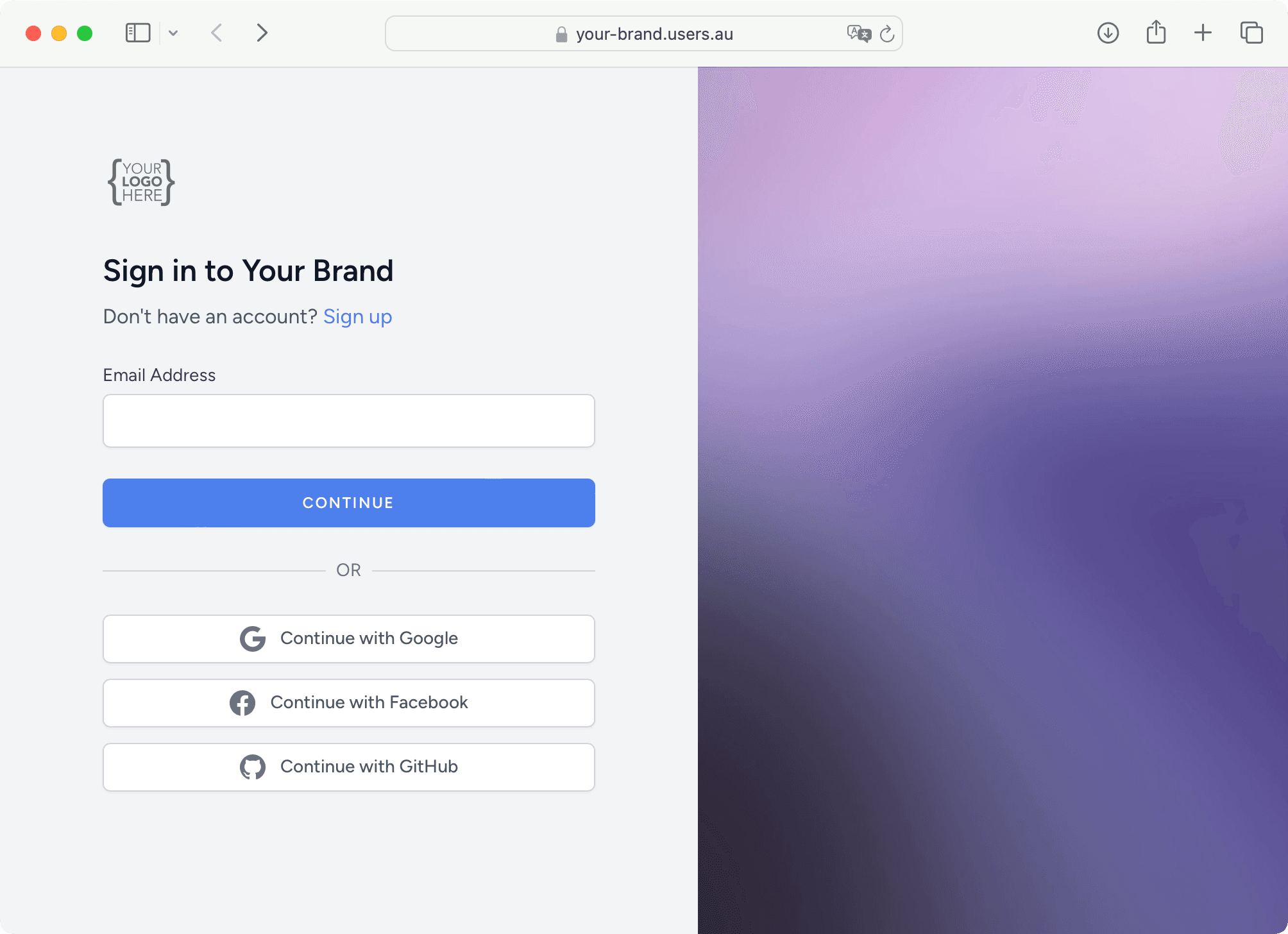
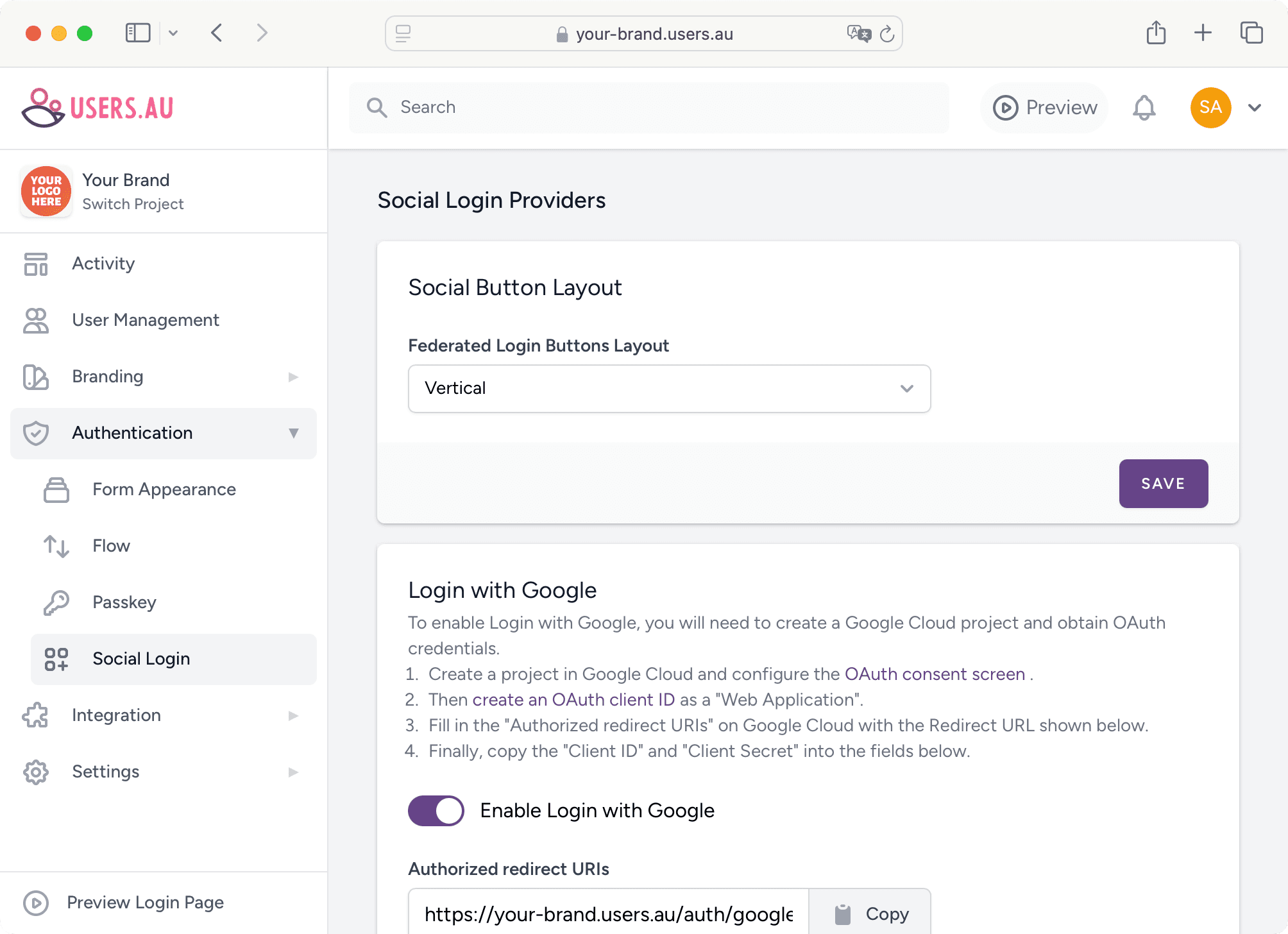
Social Login
Let users sign in with the social providers you configure, such as Google, Facebook or GitHub.
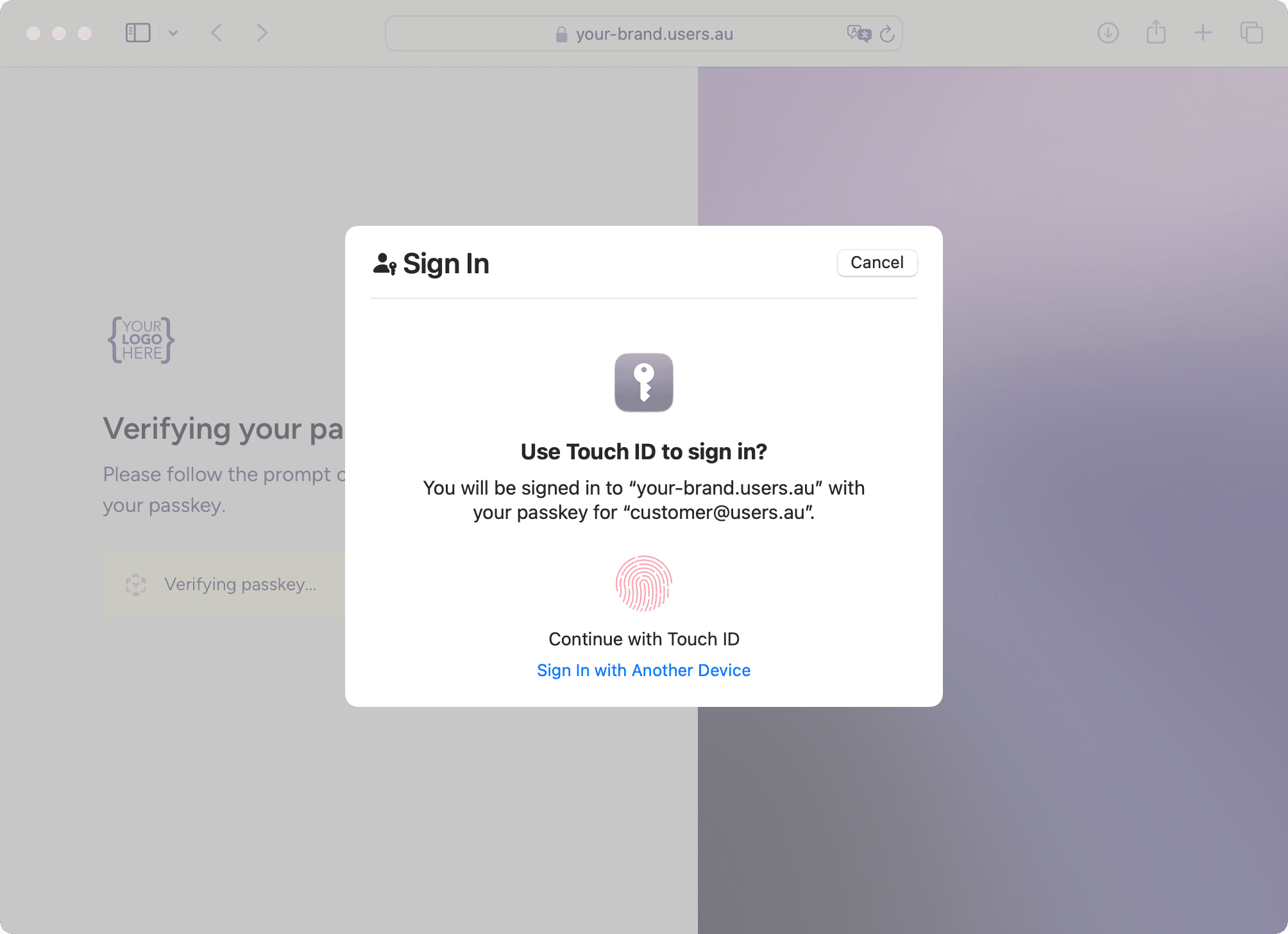
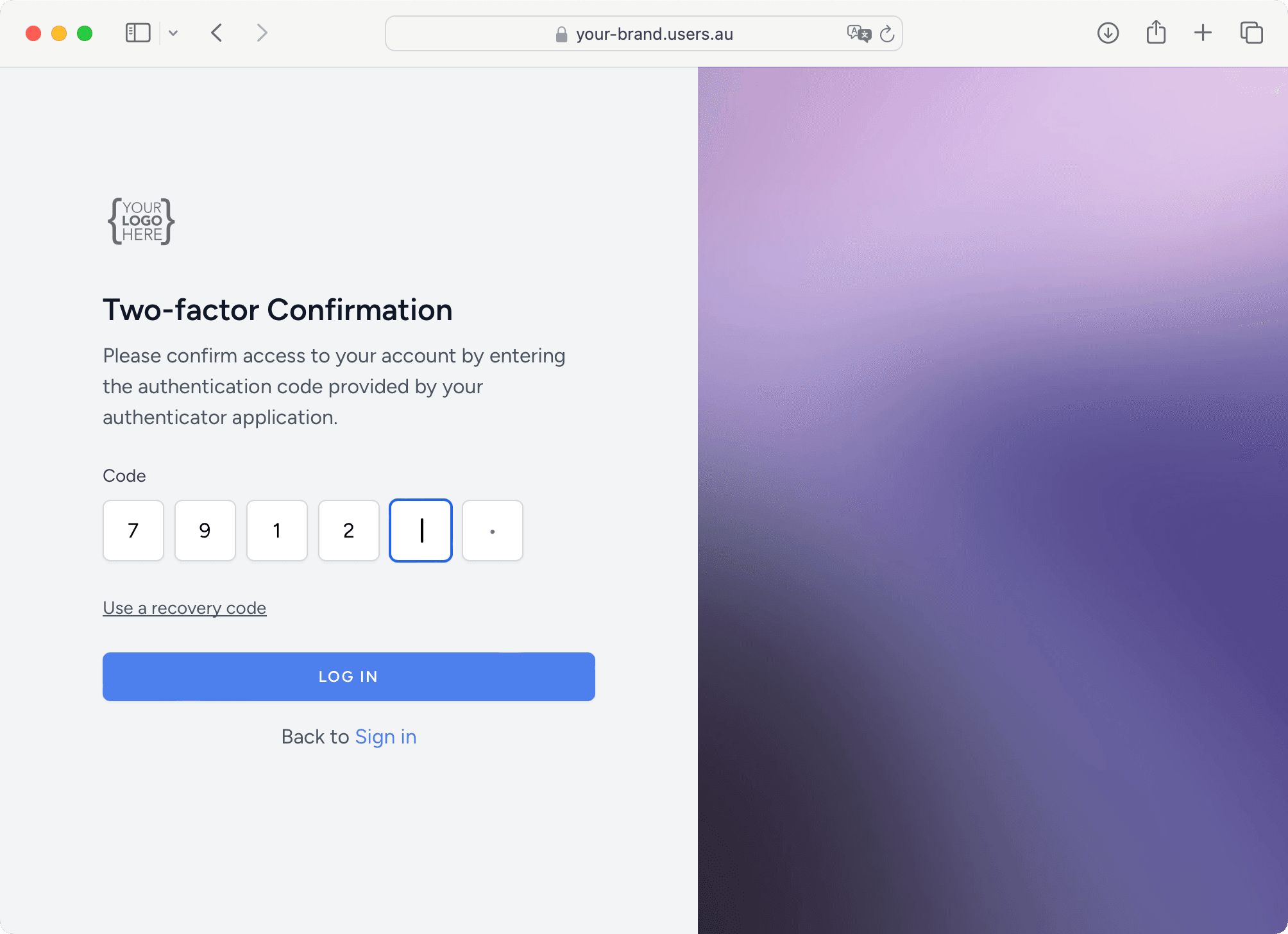
Make sign-infit your application
Manage branding, registration, account recovery, session timeouts and CAPTCHA in your project settings.
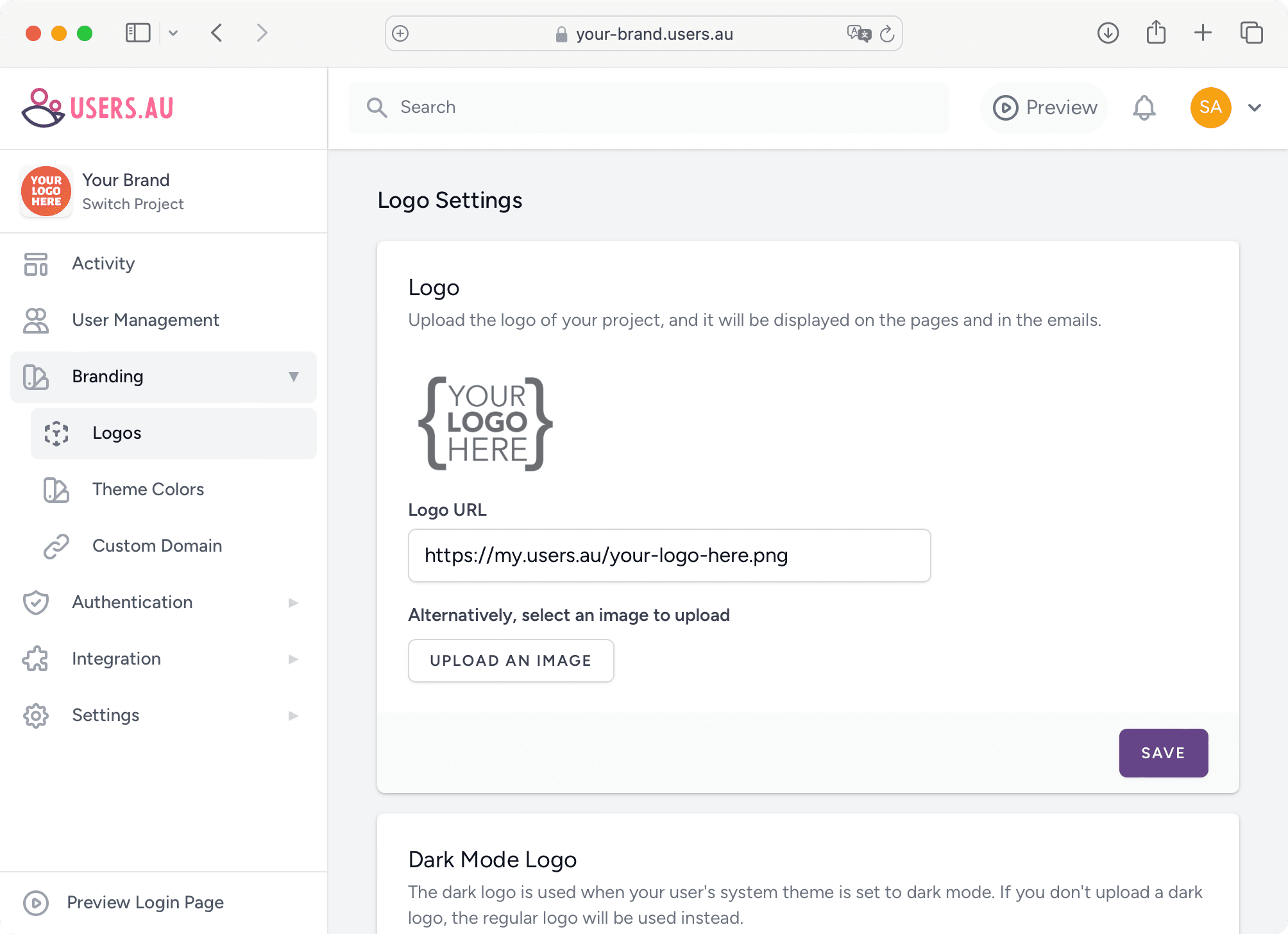
Branding & Customisation
Apply your logo and colours to hosted pages, and connect a custom domain for your project.
Start with your stack
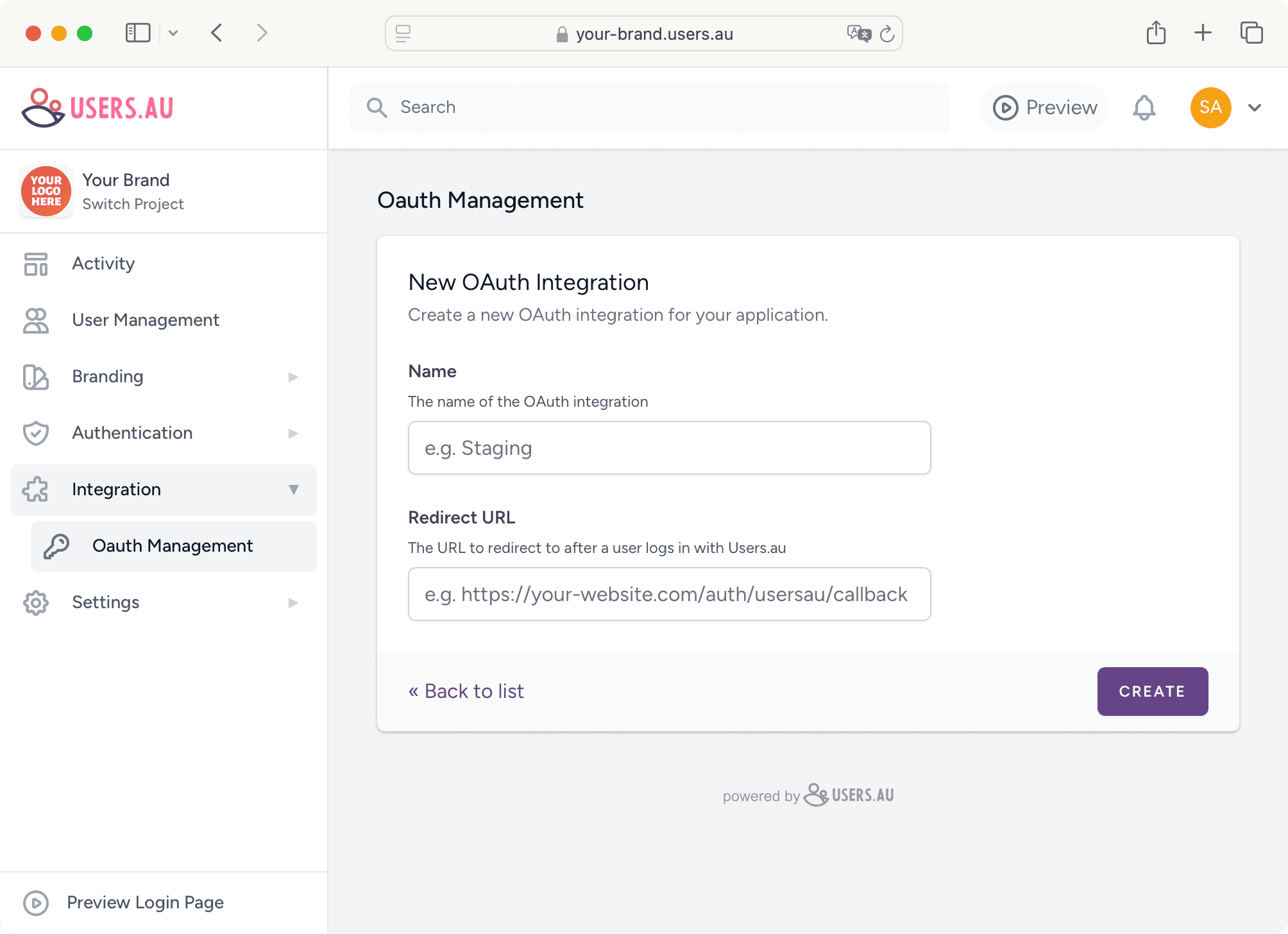
Use the browser client with JavaScript, Vue or React, connect an existing Laravel app, or start with the Laravel or Next.js starter kit. You can also connect Synology DSM with OpenID Connect.
Explore integrationsUser profiles and preferences
Choose which profile fields users fill in and which your project admins manage. Apps can use available profile claims and preferences such as language, time zone and theme.